Ableton courses / Rachel K Collier
Make the music
you can hear
in your head.
Ableton Live courses from an electronic producer who uses it to write, record and perform.
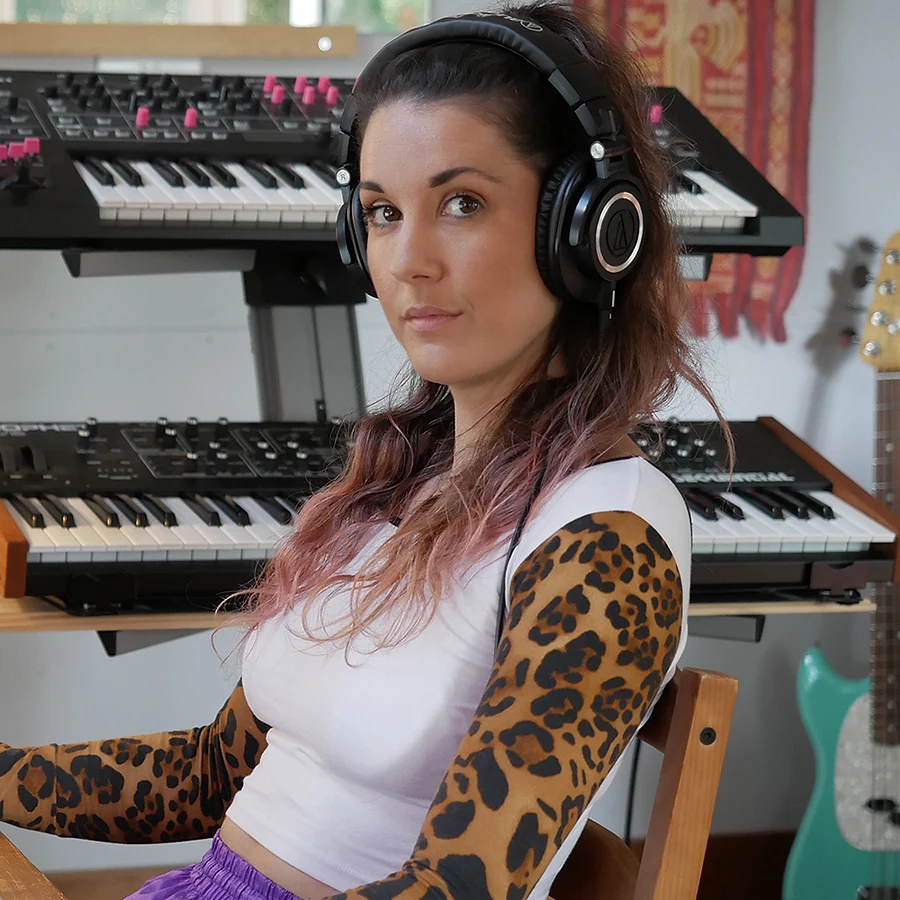
The same tools. A sound that's yours.
Featured course / Live 12
How to Produce Music
with Ableton Live 12
Follow Rachel from the foundations of Live through beat making, audio recording and MIDI, into arrangement, mixing and exporting your demo.
The course is self-paced and designed for beginners as well as producers building on existing experience. The focus is making original music, one practical step at a time.
121 lessons17 sectionsYour pace
Explore the full course ↗Course details, current pricing and enrolment are hosted by Mary Spender’s School.
From session to stage
Play your music.
Live.
Rachel also created How to Perform Music with Ableton Live, exploring the move from a production session to a live setup. Find her training background and course links through her Ableton Certified Trainer profile.
Rachel’s Ableton training profile ↗A few useful answers
Before you press play.
Do I need to know Ableton already?
The Live 12 production course starts with the fundamentals, so you can begin without prior Ableton experience.
Do I need extra instruments or hardware?
The course provider says you can take part with a computer and Ableton Live. You do not need an external musical instrument.
Can I use Live Lite or Standard?
Yes. The provider says the course can be followed with any edition, although some instruments, effects and packs vary. Check the course page for software guidance.
Is the Production Notebook a course?
No. It’s a free way to follow Rachel’s creative journey. The courses offer structured learning; the Notebook brings you closer to the ongoing music-making process.
The RKC Production Notebook
Come for the music.
Stay for the making.
A closer look at the tracks, the experiments and the artist behind them.